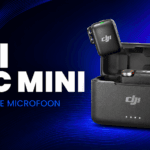
You know the drill: you move the camera back to get your hands or more of the room in the shot. The framing looks better, but suddenly you sound like you’re across the room. That’s where a wireless clip-on mic like the SmallRig S70 comes in. Put the camera where the shot looks right and keep the mic close to your mouth.
The S70 is one of the mics in my creator setup. If a friend asked me what’s handy about it, I’d start with its size and the choice of receivers.
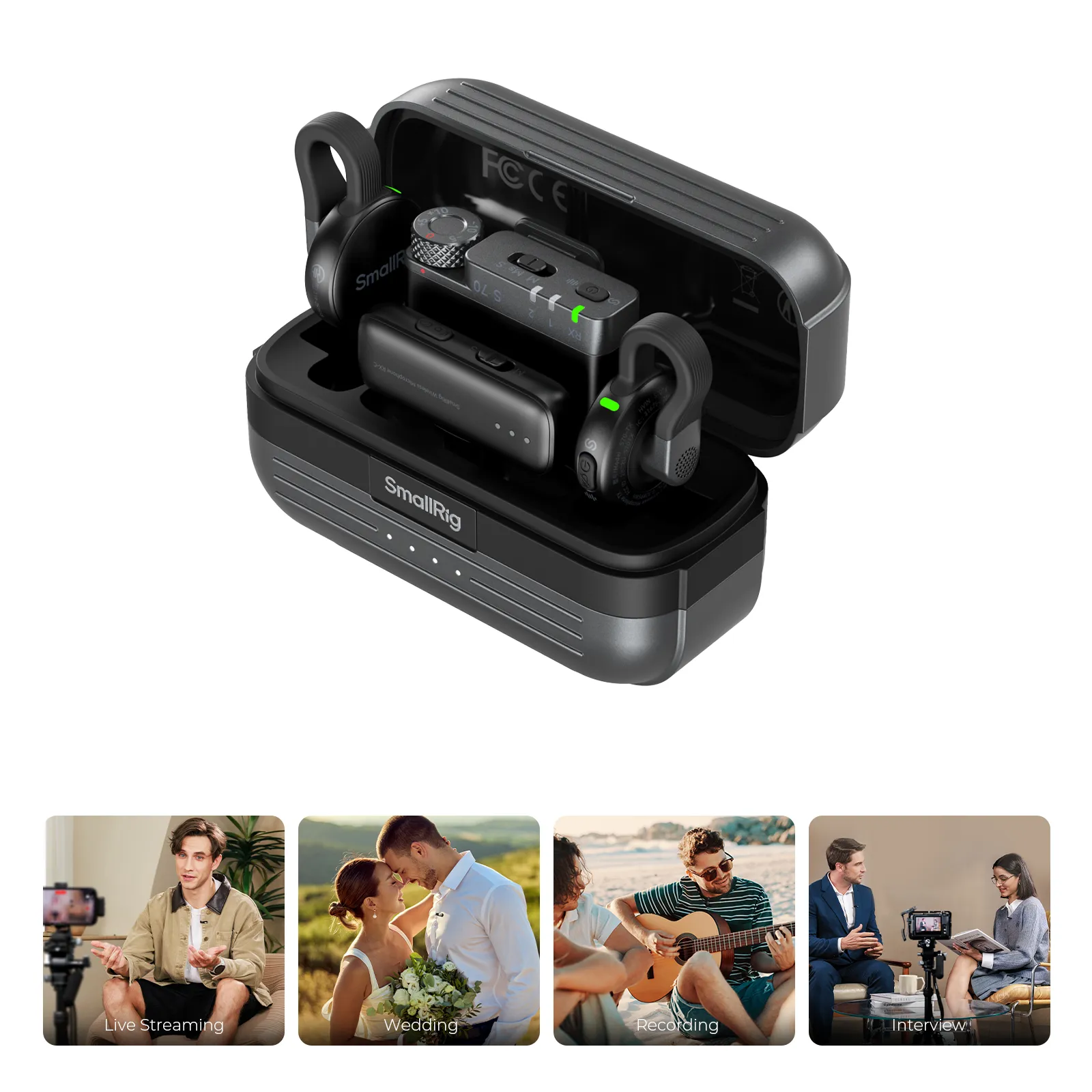
Why the small size matters
When you’re talking to camera, the mic doesn’t have to be the first thing people see. SmallRig lists the transmitter at 8.6 grams . The visible part measures about 8.8 by 29 mm. Clip the transmitter to your clothing, somewhere near your collar. SmallRig specs.
Watch what’s around the mic when you clip it on. A loose collar, zipper or necklace can tap against it as you move. Record a few seconds of yourself talking and turning your head, then listen back on headphones. If you hear rustling, move the clip.
Which SmallRig S70 kit do you need?
If you mostly shoot Reels on your phone, take a look at the S70 with a USB-C receiver. It comes with two transmitters, so you can mic up someone else for a conversation. Switch between your phone and a camera? Take a look at the S70 Camera & USB-C kit, which includes both a camera receiver and a USB-C receiver. SmallRig also makes the S70-C1, a USB-C kit with one transmitter. SmallRig S70 lineup.
The first thing I’d ask is what you’ll actually shoot with over the next month. If your phone does everything, you probably won’t need an extra receiver. If you switch between a phone and a mirrorless camera, having both receivers in one kit can save some hassle. Check which port your device has before you choose.

Start with your voice and listen to the rest
The S70 records at 24-bit/48 kHz. SmallRig also lists several sound profiles and noise reduction settings. For a simple talking video, I’d start with the standard profile. That gives you a chance to hear your voice before you change anything. SmallRig product details.
Shooting somewhere you can hear a fan or traffic? Record the same line twice, once with noise reduction and once without it. Listen to the ends of words and the little pauses between them. You’ll hear pretty quickly which setting makes your voice sound better. If you can switch off the fan or move a few steps away from the street, try that too. It’ll save you time in the edit.
When I’d reach for a mic like this
Think of a product video where you’re showing how something works as you talk through it. Or a vlog where you set the camera down, step back and keep talking. Either way, you can frame the shot wider while the mic stays with you.
For your next video, try recording the same lines with your camera or phone mic and then with a clip-on mic. Keep the framing the same and listen to the clips back to back. Pay attention to how much effort it takes to make out the words. That’s a quick way to tell when a wireless mic makes a difference for your videos.
Want to get better sound on your next shoot? I’ve also written about what good audio does for a video where you’re talking to camera. Why good audio matters more than a better camera.